To effectively manage their business on the Ozon marketplace, sellers may need to contact customer support. Questions may arise on various topics—from technical issues to questions about the terms of cooperation. Below is a guide on how to correctly write to Ozon support in order to receive a prompt and accurate response.
Preparing for the Inquiry
Before contacting Ozon support, gather all necessary information about the issue you faced. This will help speed up the review and response process. Here’s what you need to prepare:
AI Tools
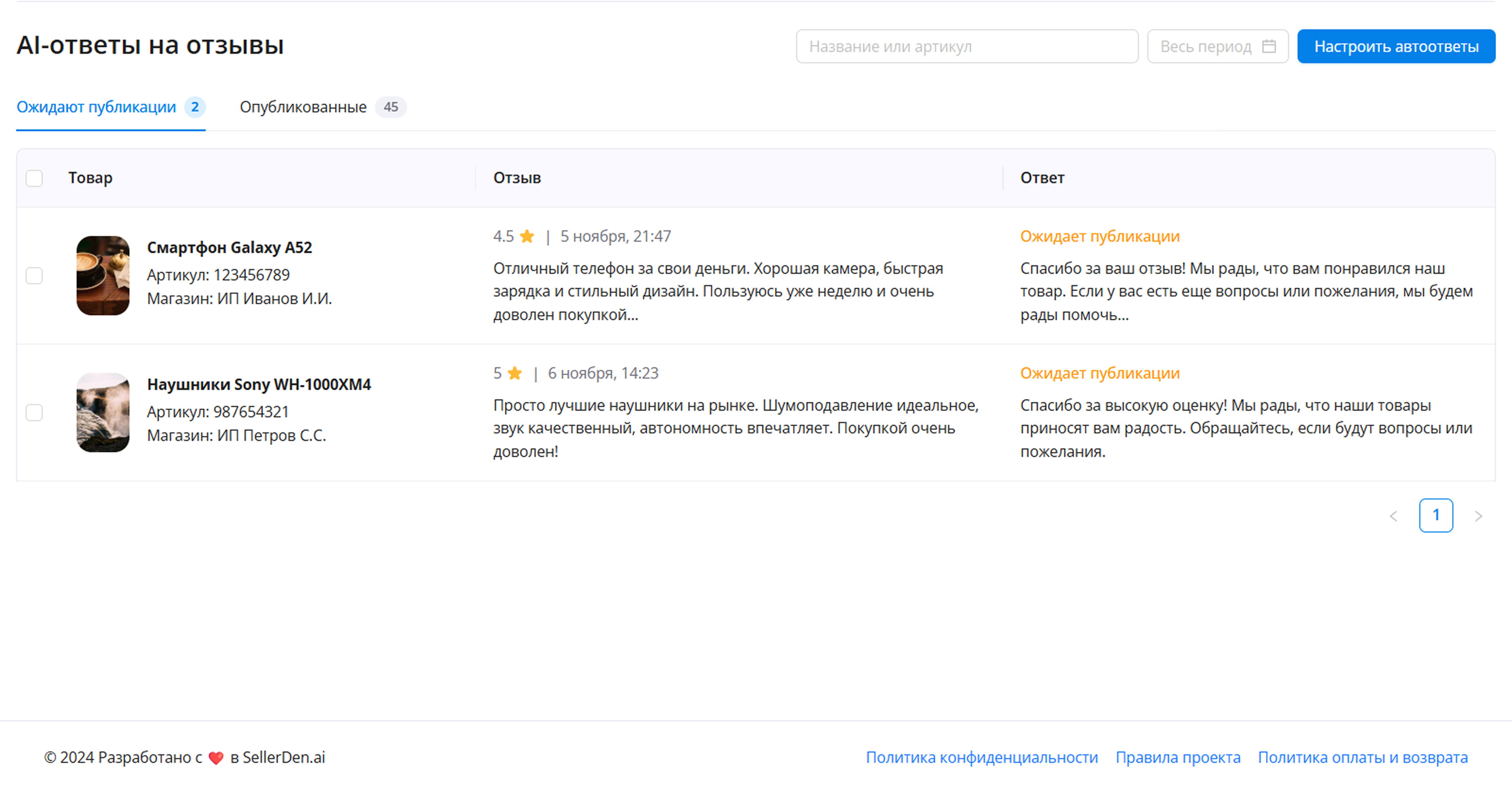
AI Responses to Reviews
Forget about complex and lengthy responses to customer reviews. Artificial intelligence will create perfect responses for you and publish them automatically.
AI fully adapts to your style, allowing you to customize:
- Response style
- Emotional tone of the response
- List of prohibited words/phrases
- Examples of good and bad responses
- Number of characters in the response
- Recommendations for specific products in the response
- Mention of product name or buyer's name

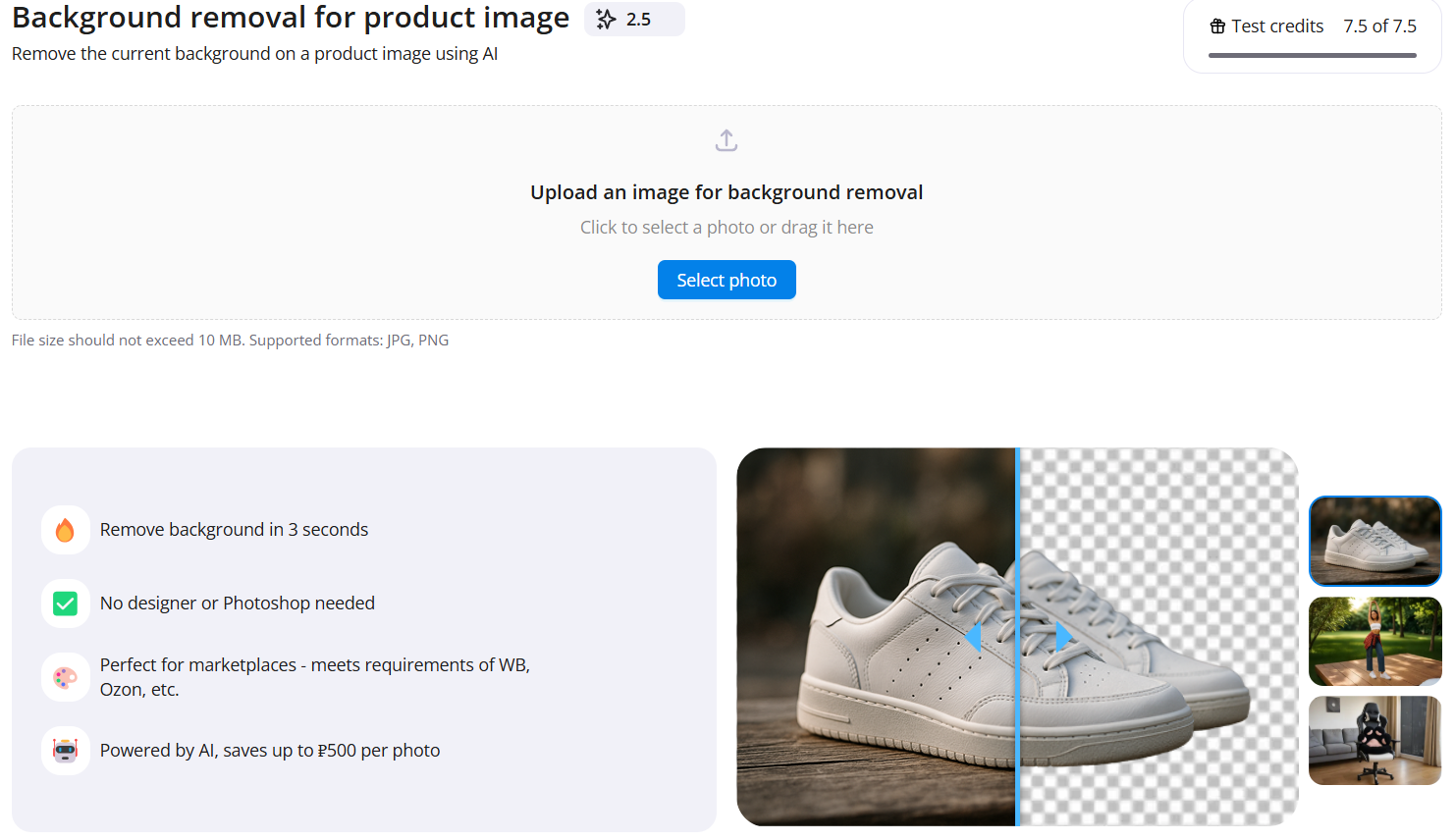
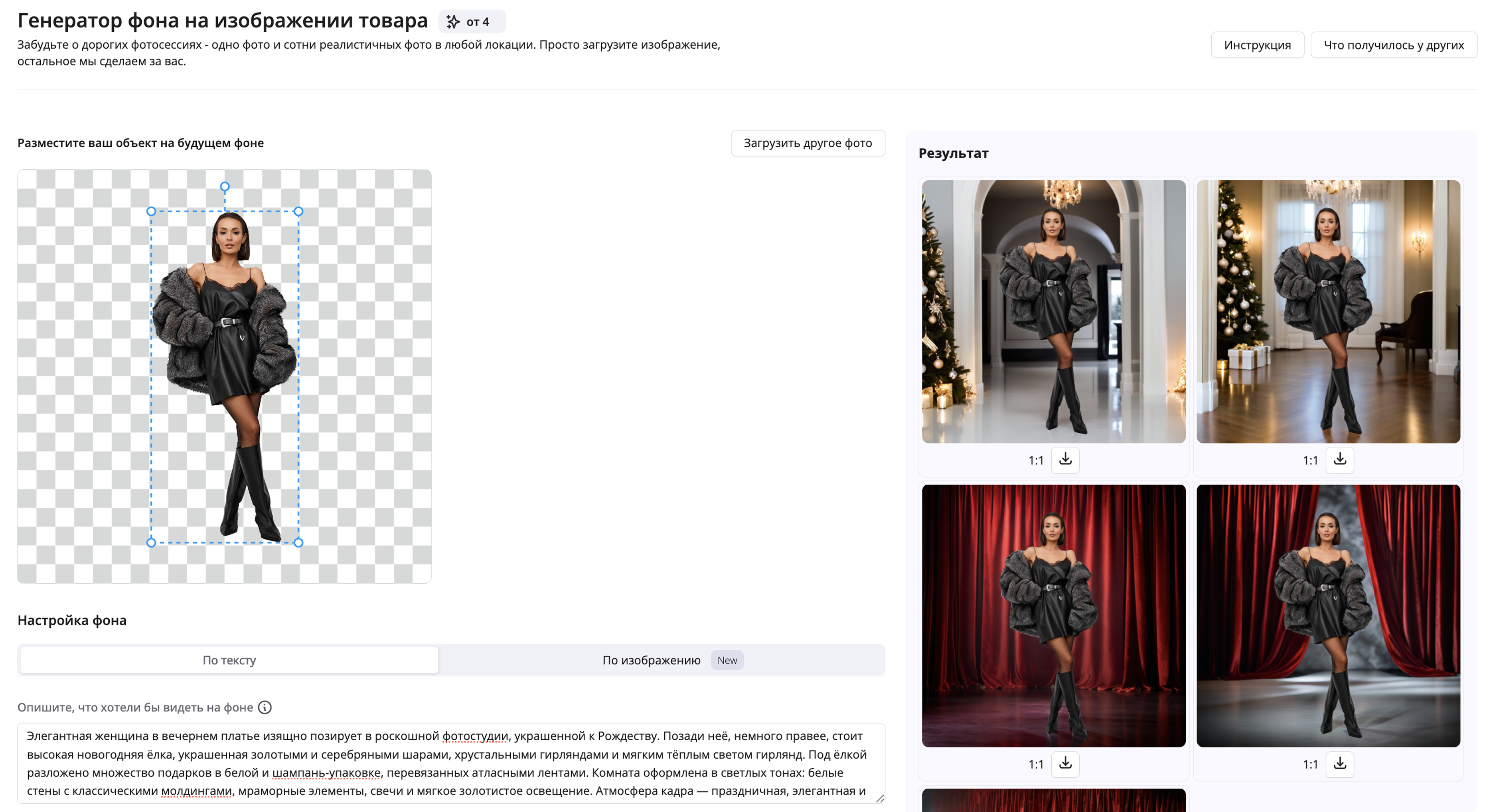
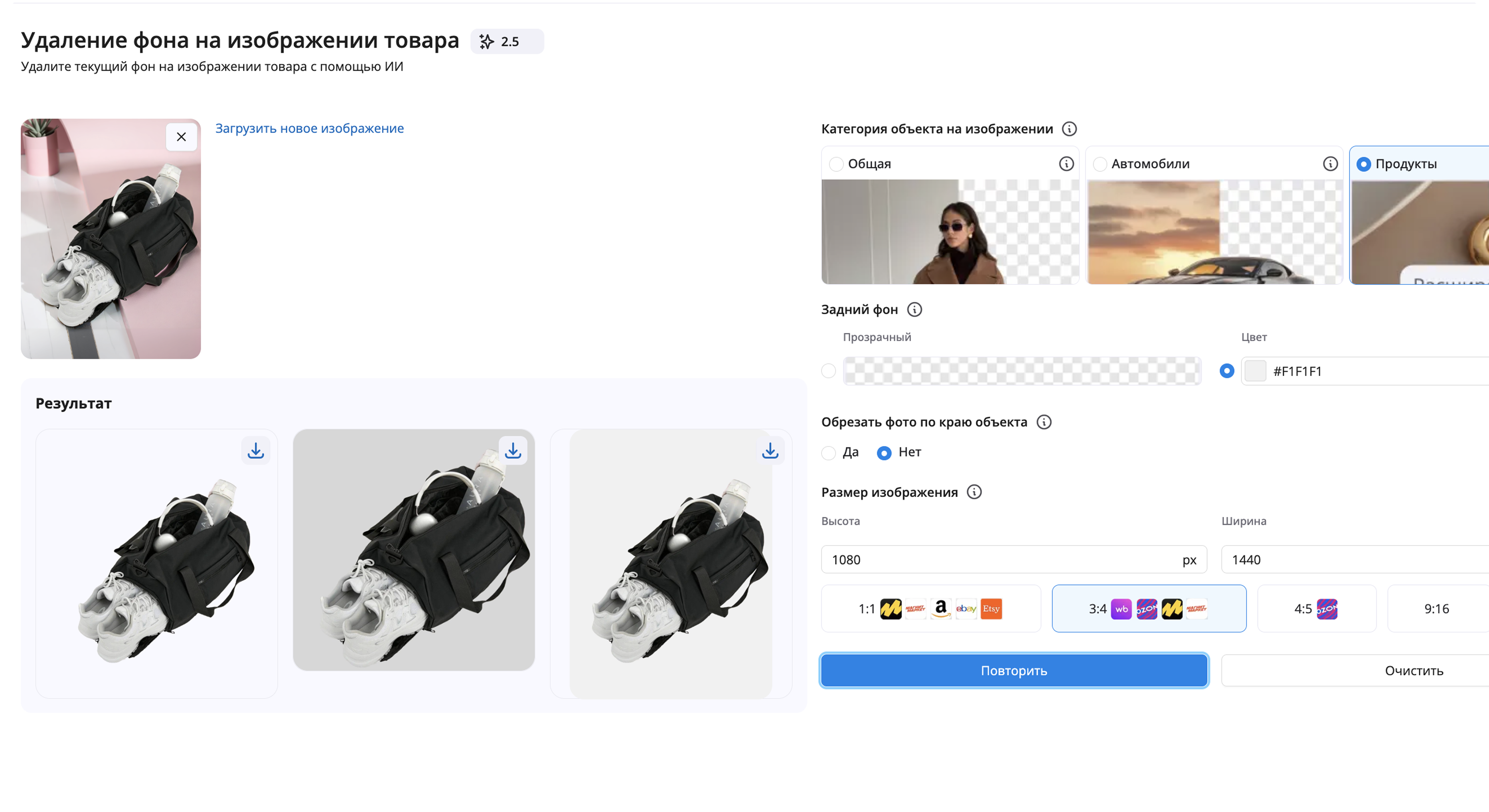
Background Removal on Images
Transform ordinary photos into professional ones in seconds. Remove dull backgrounds to create compelling product images.
Save on designer services by selecting background removal options such as:
- Categories of items in the photo (for example, general photos are suitable for model shoots, while products are for more focused product photography)
- Background (transparent or choose a background color using an RGB grid)
- Cropping the photo along the edge of the object
- Images in pixels or use our marketplace templates
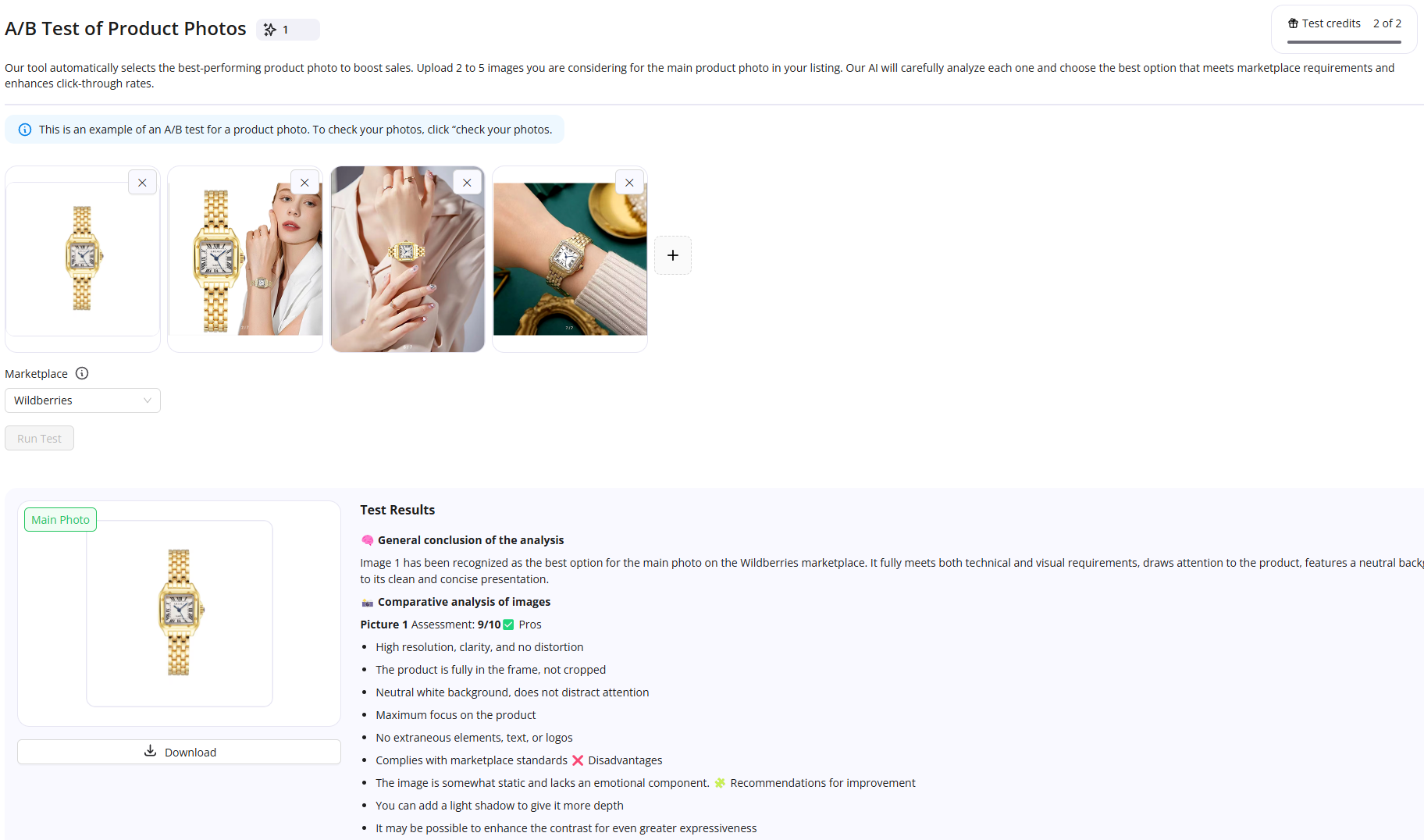
A/B Testing Product Photos
Save your advertising budget on A/B testing by trying out several image options for the “Main” to select the most effective one.
Features:
- Upload 2 to 5 product images that you want to feature as the “Main” image in the product card.
- Artificial intelligence will thoroughly analyze each photo and select the optimal one that meets marketplace requirements and helps increase the click-through rate of the product card.
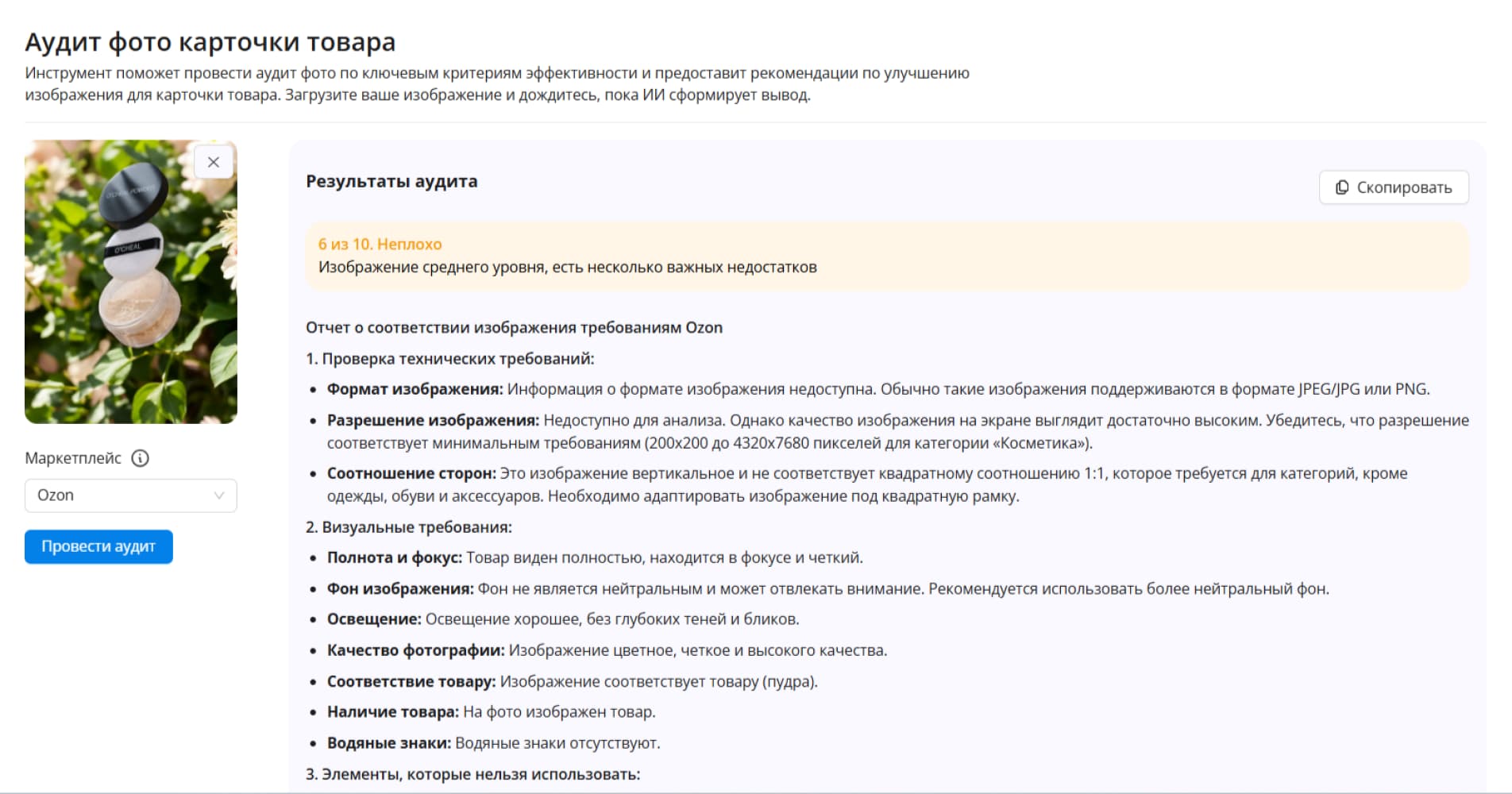
Product Photo Audit
Evaluate the quality of your images and their compliance with marketplace standards. Get recommendations for improving your photos and increasing their conversion rates.
Features:
- Upload the product card image you plan to set as the “Main” image.
- Our AI will conduct a detailed audit based on key effectiveness criteria and give a score on a 10-point scale.
- Receive recommendations for enhancing the image for your product card.

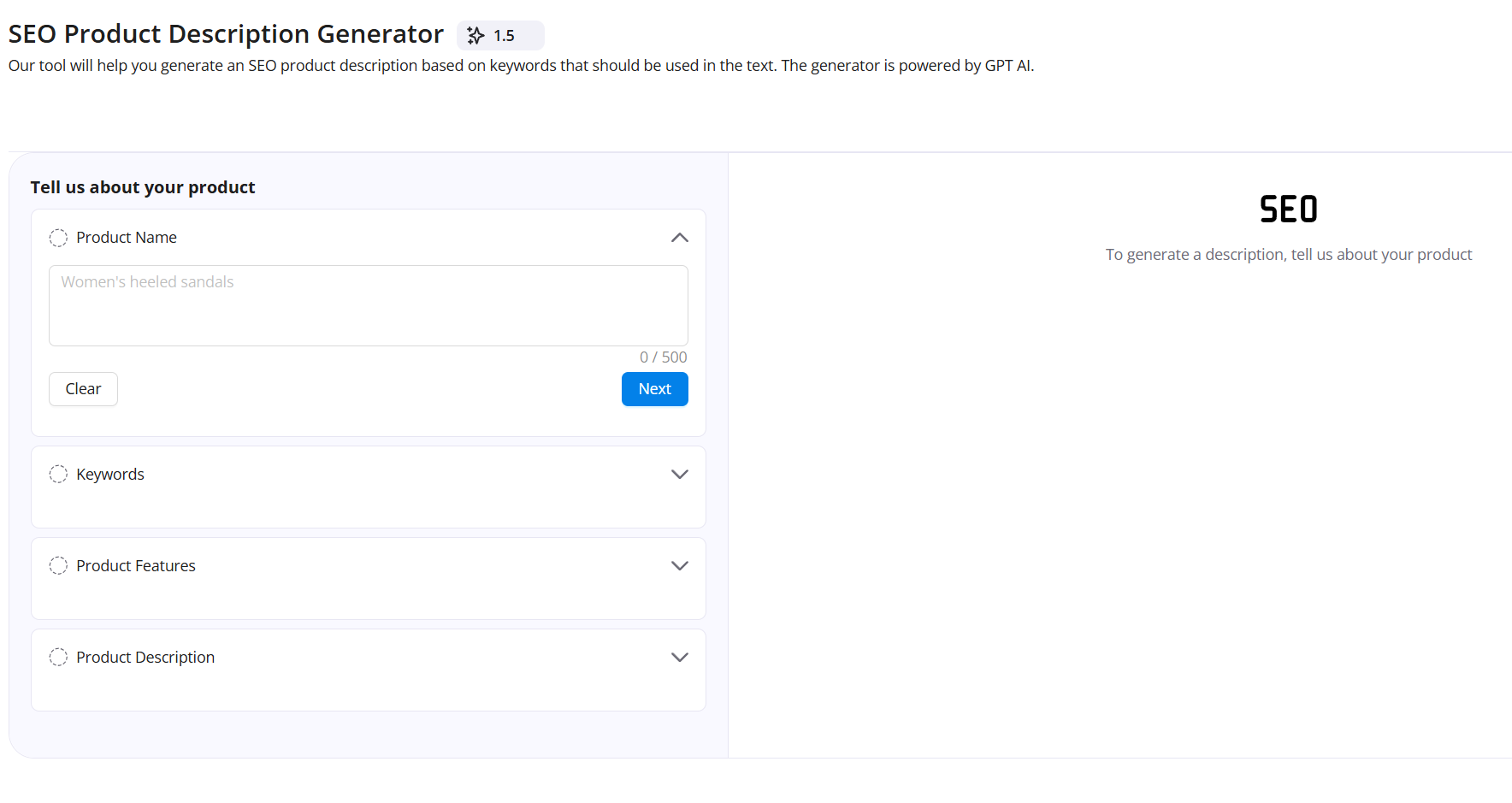
SEO Description Generator
Create effective and attractive texts for your product listings in just a minute. Save time and improve your search rankings
Improve existing product descriptions or create them from scratch.
AI skillfully integrates all necessary keywords, making the description natural and appealing.
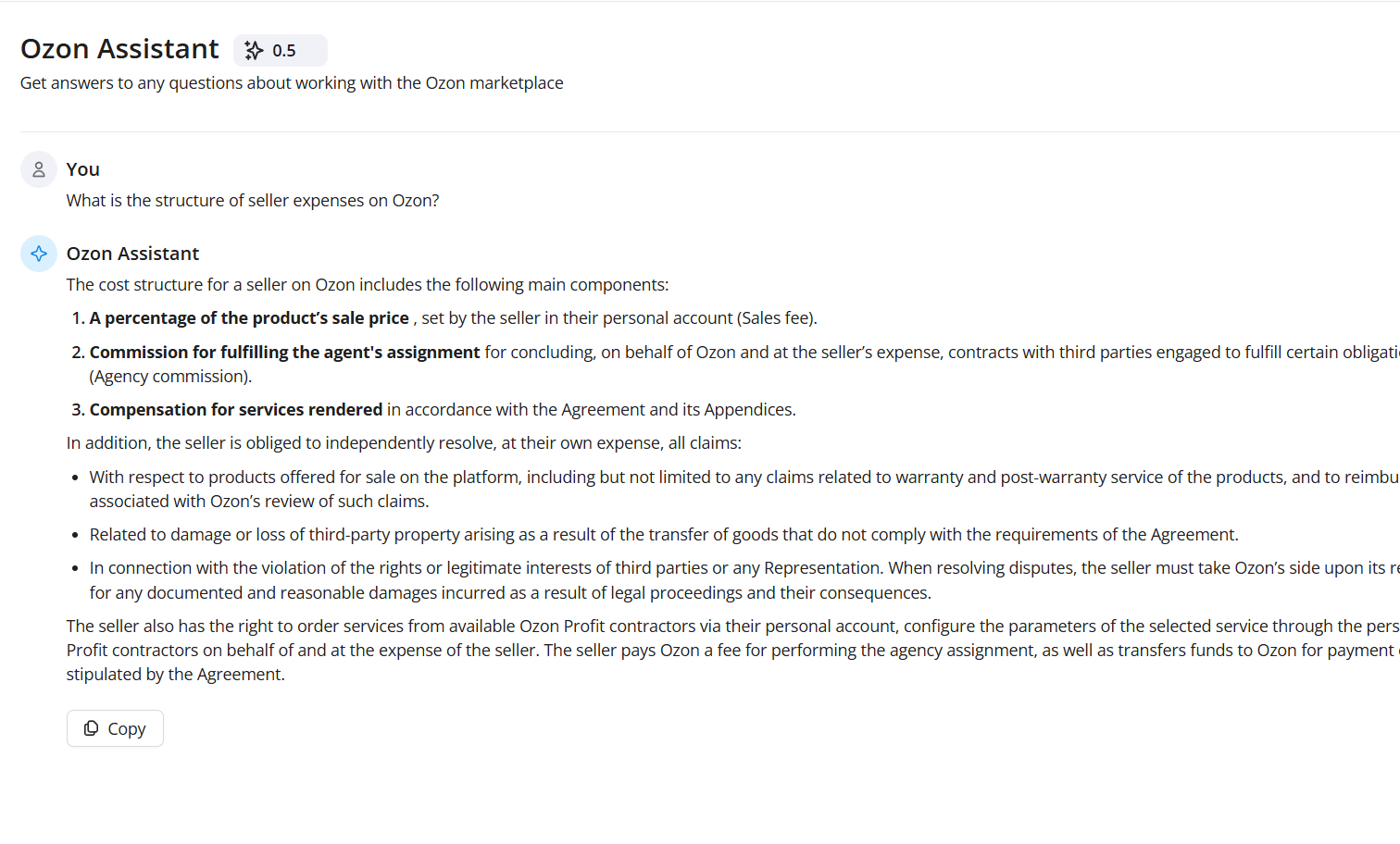
Ozon Assistant
Get quick answers to any questions you have about working on the Ozon marketplace.
Features
Our AI is connected to the Ozon knowledge base and will quickly answer any question about working with this marketplace.
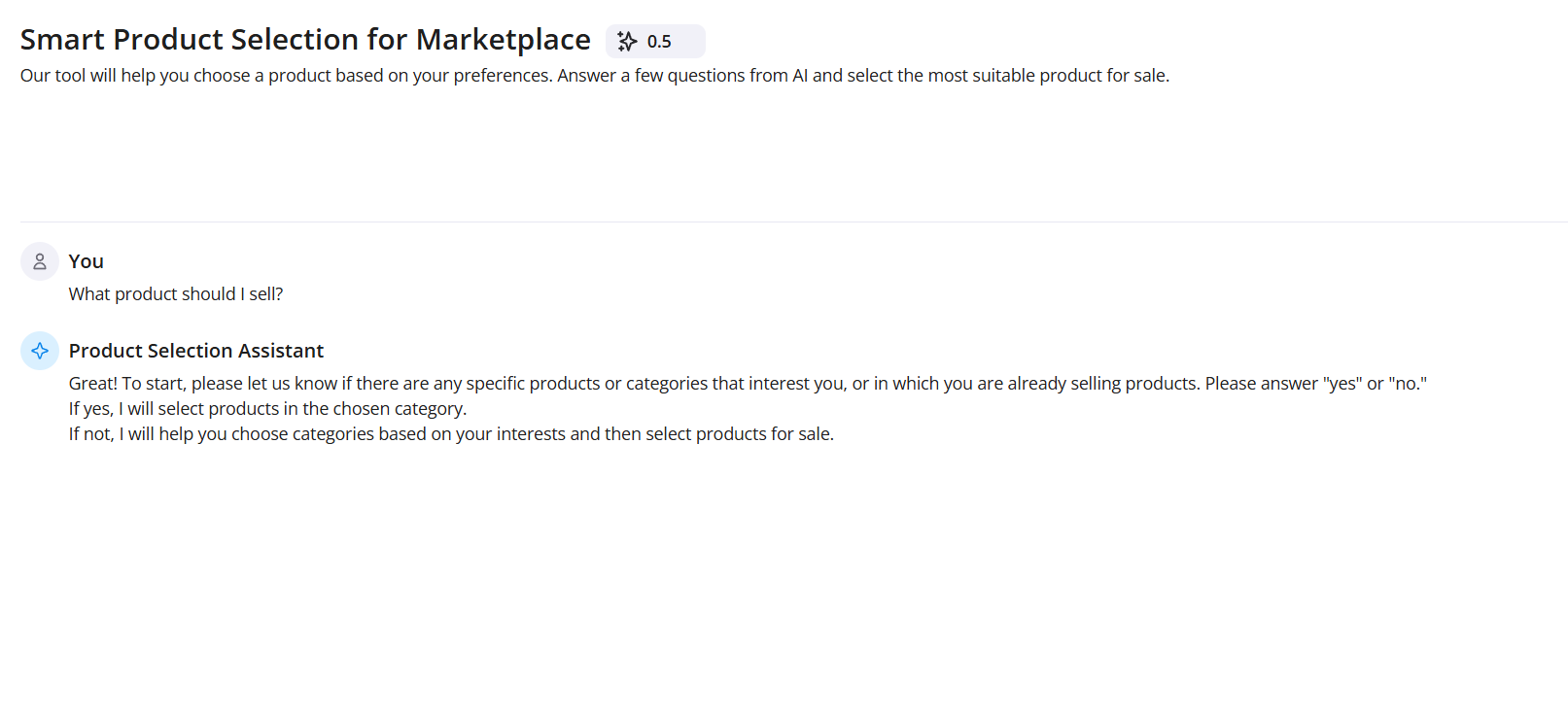
Product Selection
Not sure what to sell? Answer a few questions from the assistant and discover a promising niche for successful sales on marketplaces.
Features
Answer several questions from the AI and get recommendations for the most suitable products for you to sell.
- Order or product details:If your question concerns a specific order, have its number and other relevant information ready.
- Detailed problem description:Clearly and concisely describe the situation. Avoid vague descriptions—try to include all important details.
- Screenshots or documents:Attach visual materials if they help clarify your issue.
How it works
Usage examples SellerDen.ai
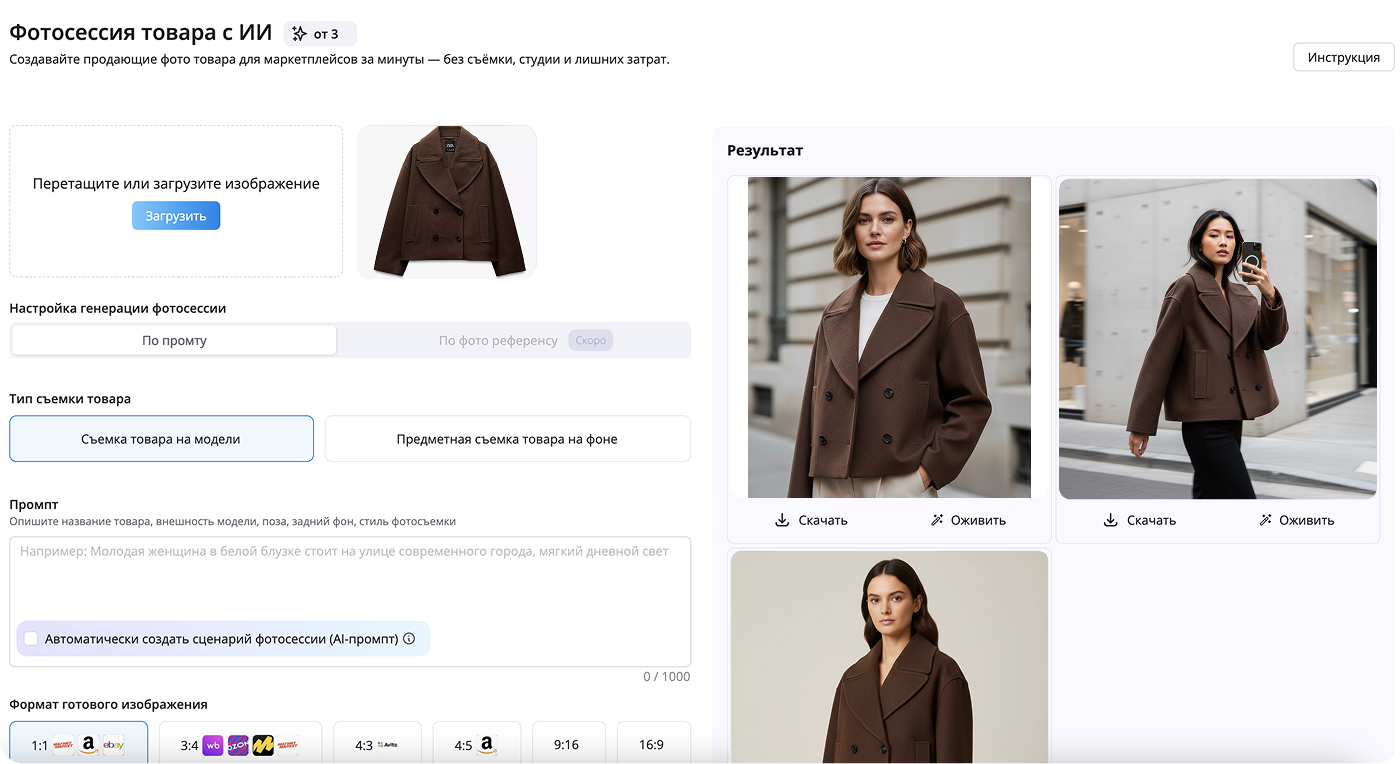
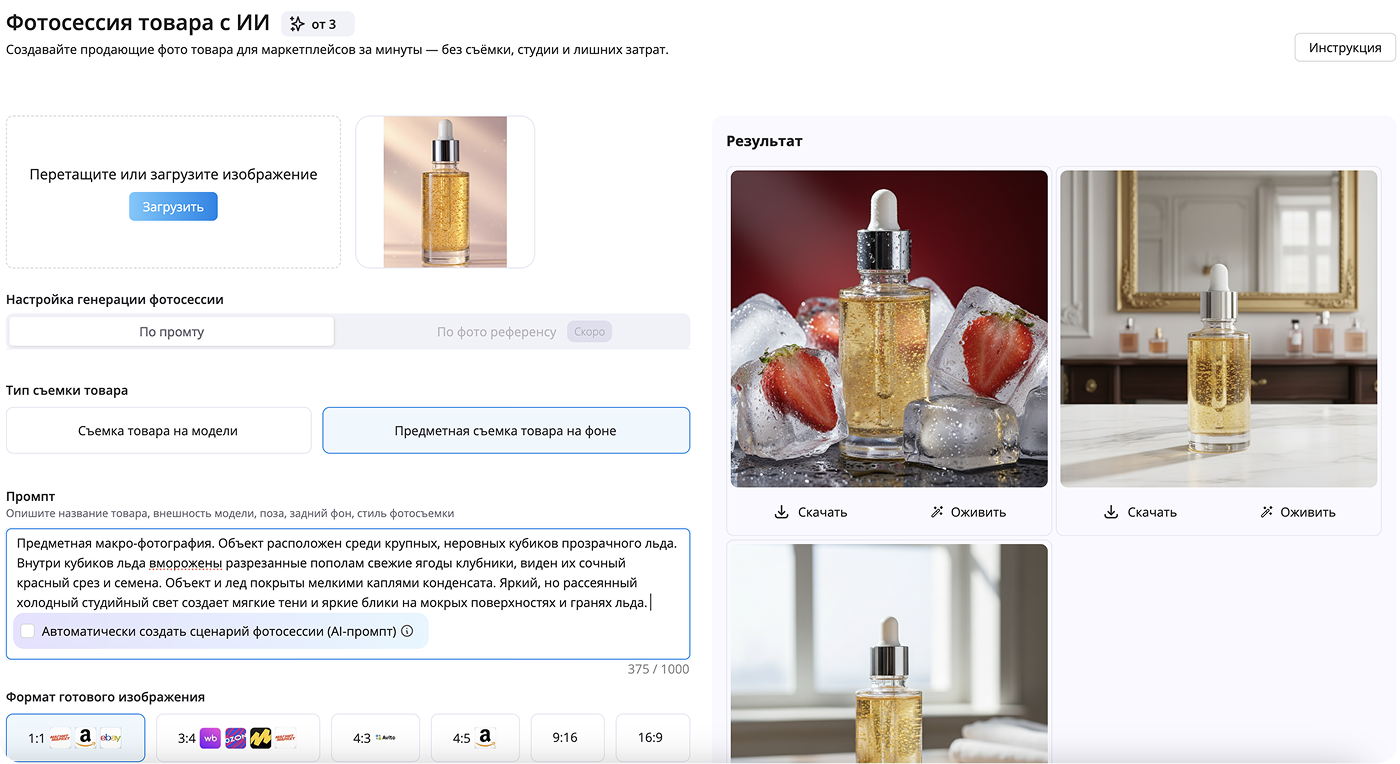
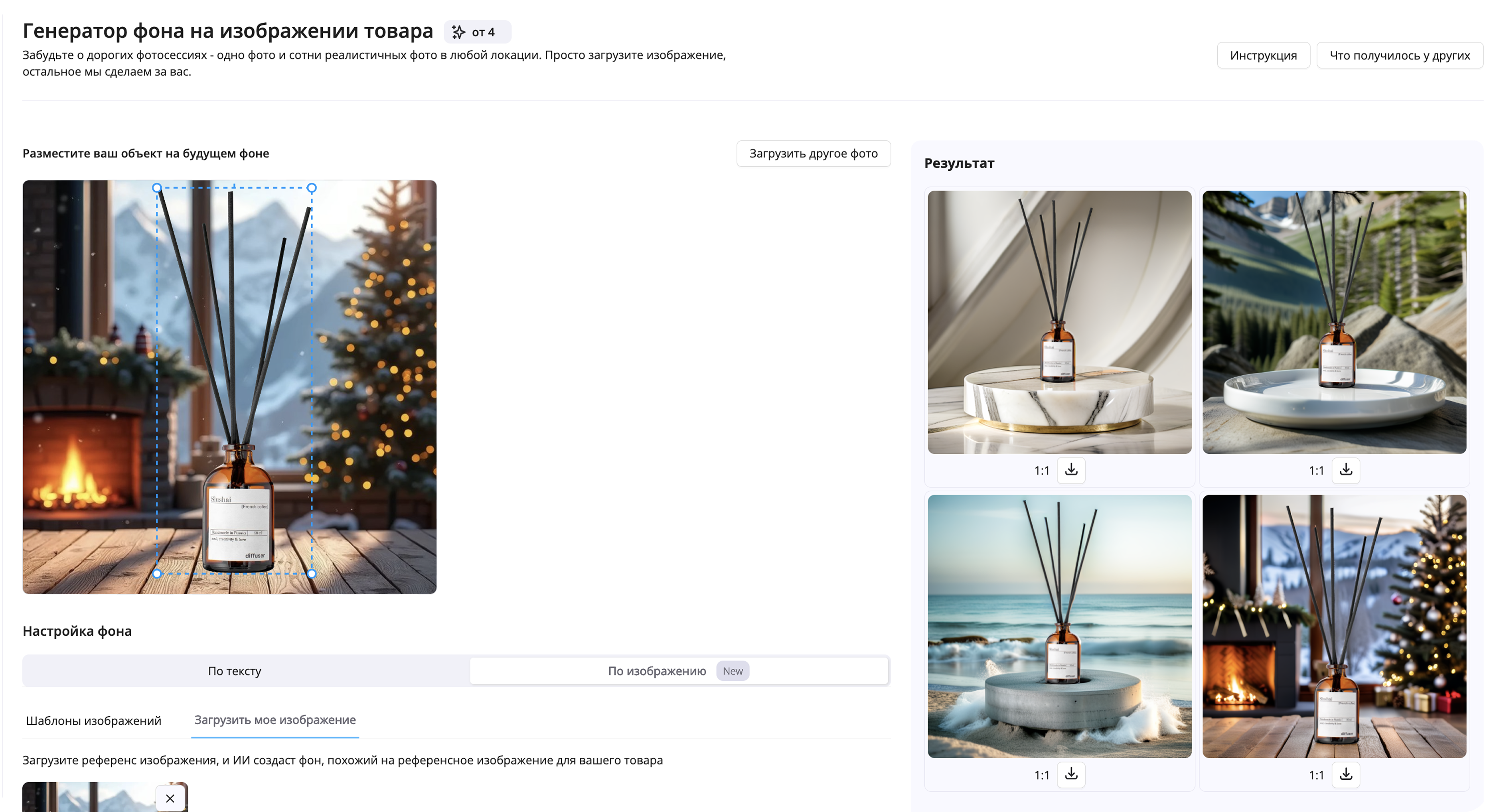
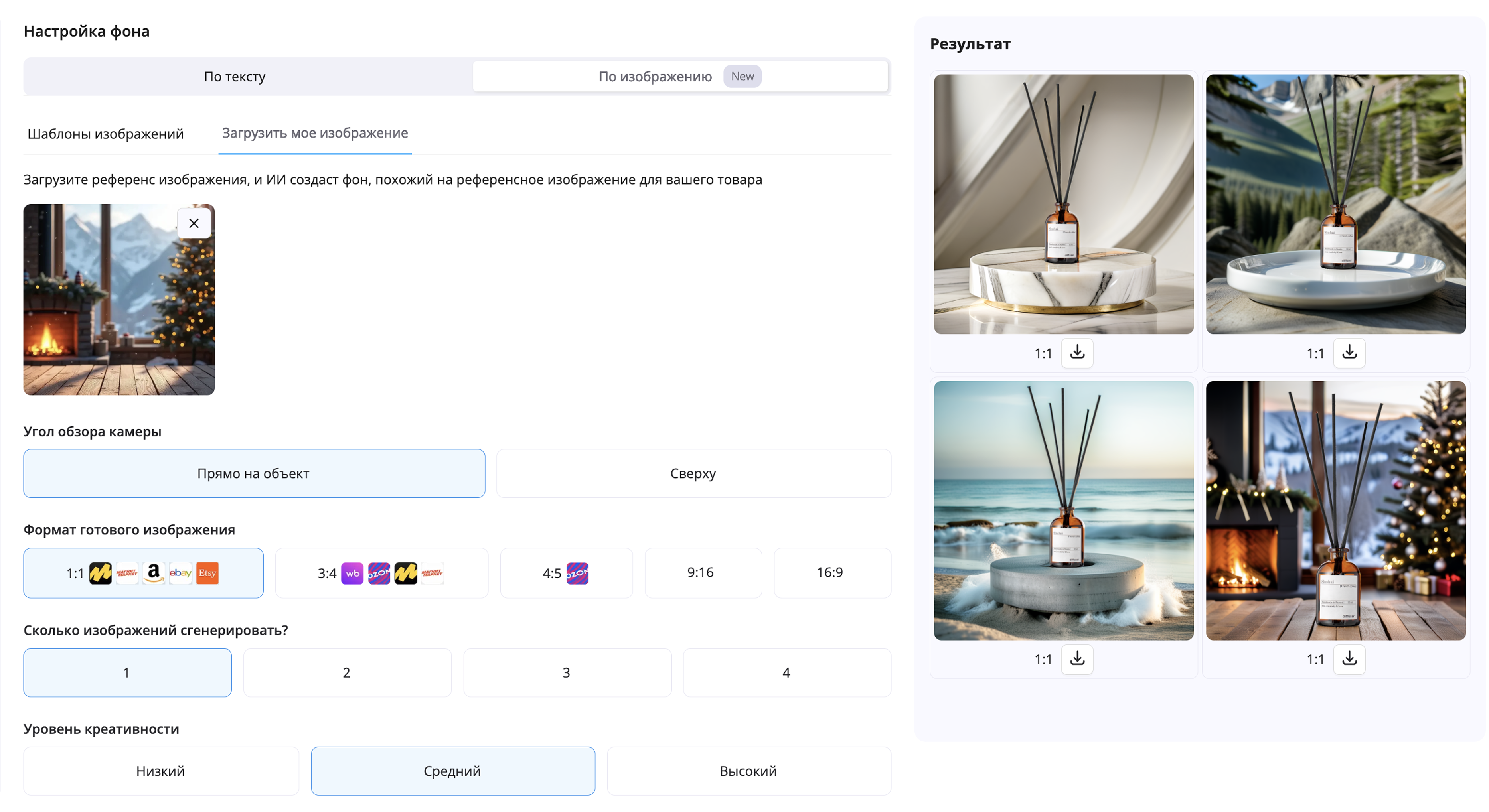
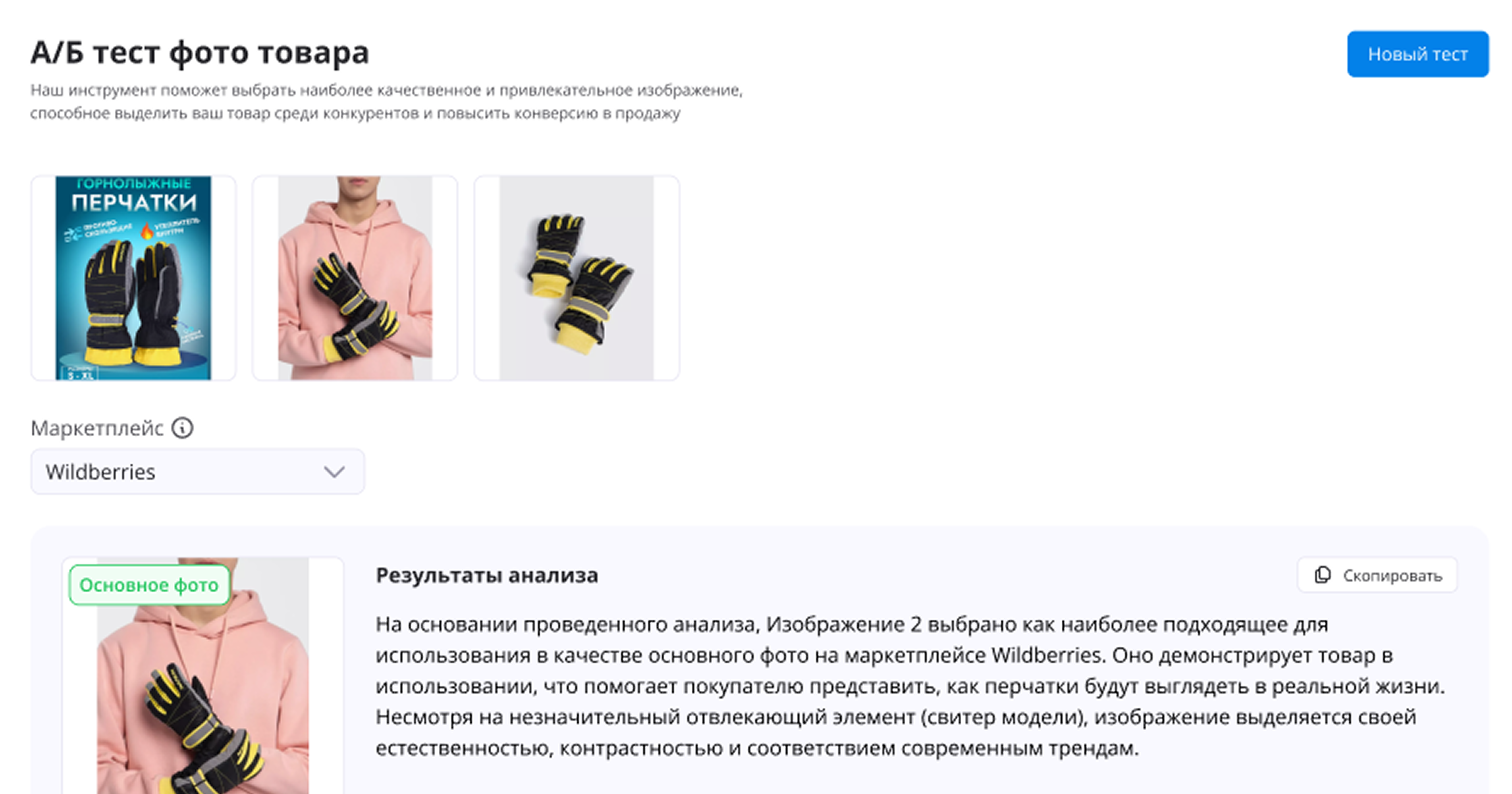
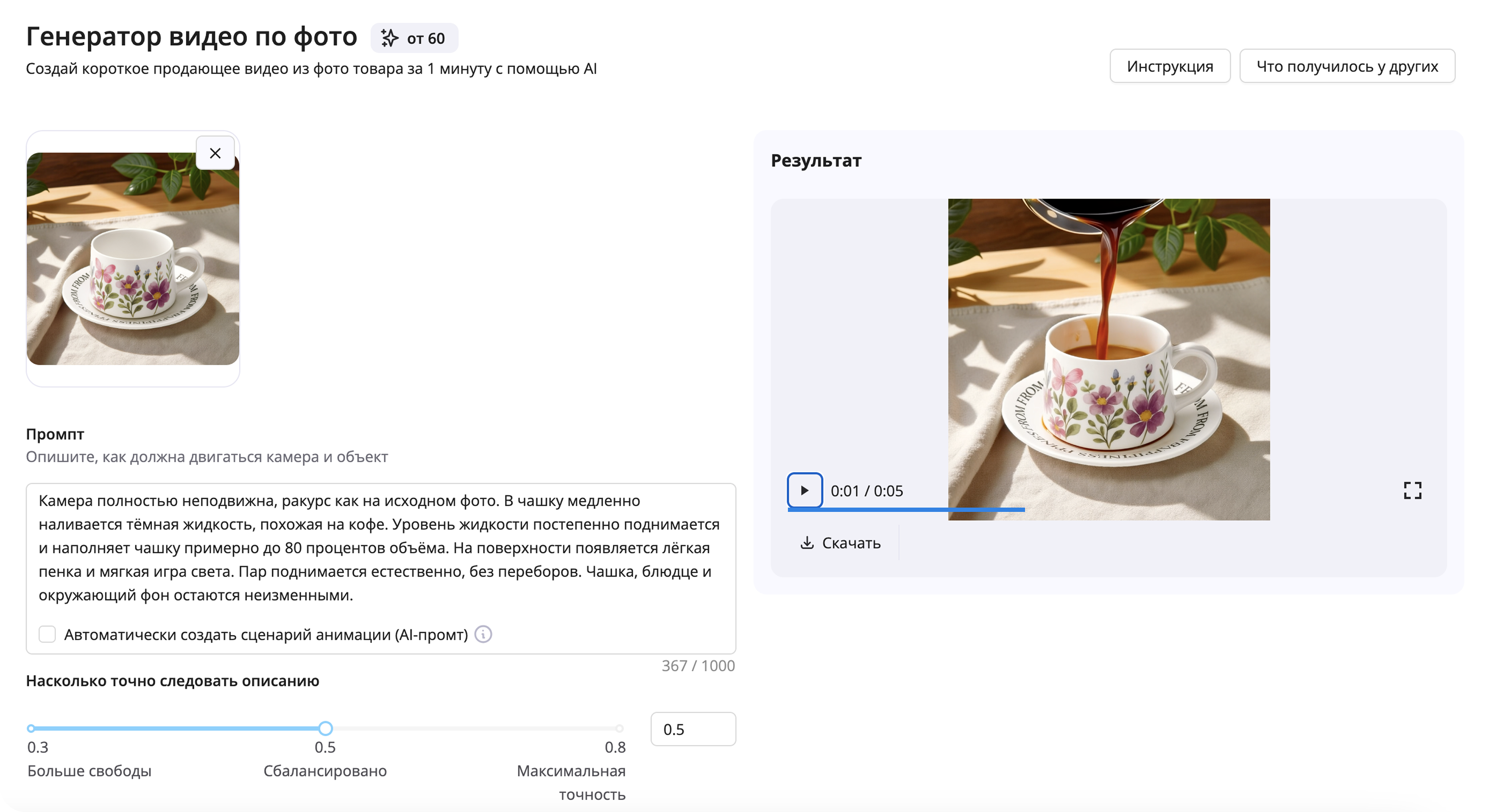
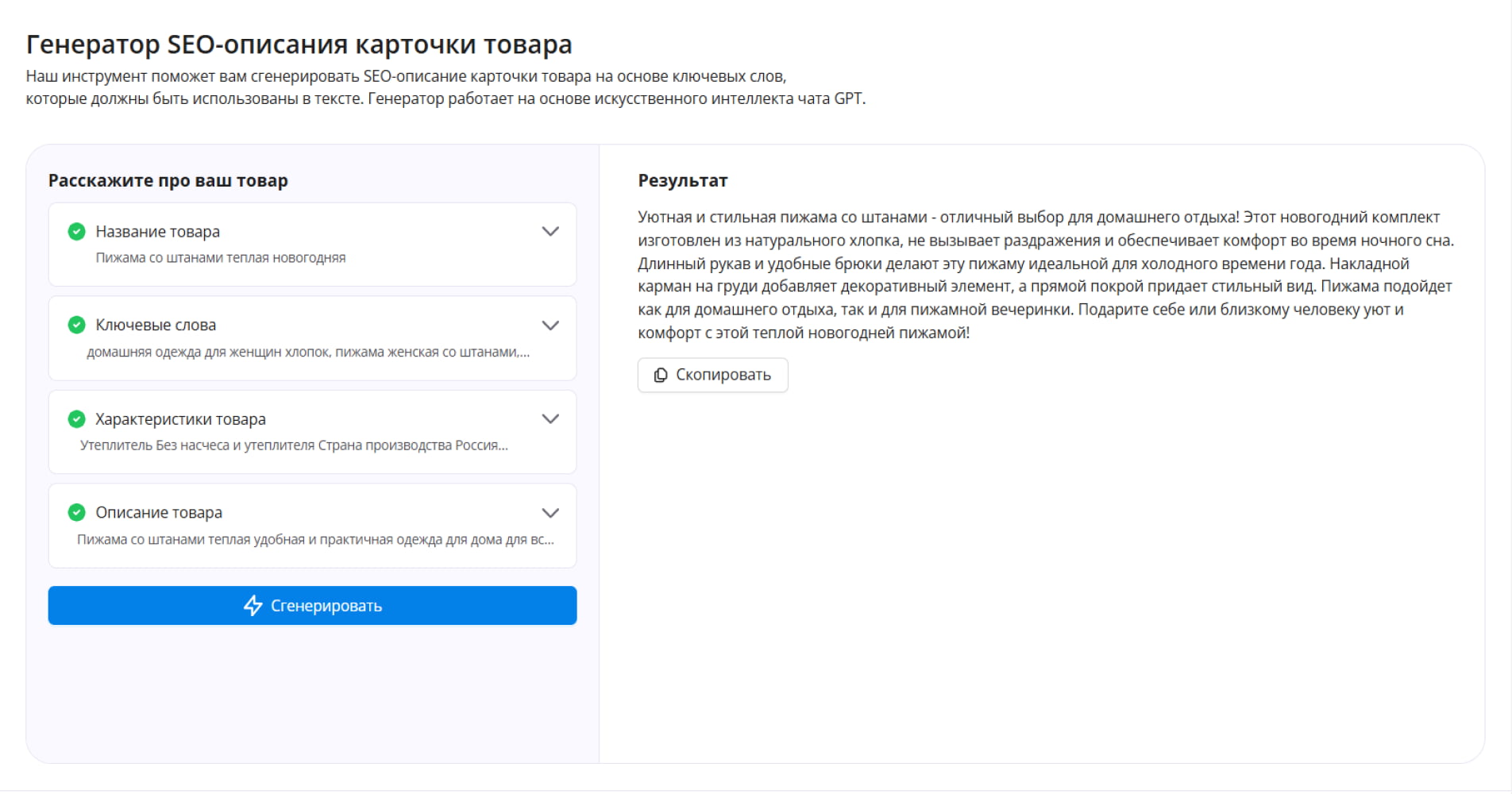
Our tools help structure your information and generate a clear request that can be sent.
Using the Seller Account
There are several ways to contact Ozon support, but the most effective is through your personal seller account. Here’s what to do:
- Log in to Ozon:Sign in to your seller account on the platform.
- Go to the appropriate section:Find the feature for submitting a support request.
- Create a new ticket:Fill out all required fields, describing the problem in detail.
Submitting a Request via the Mobile App
Submitting a support request through the Ozon mobile app is an alternative method, especially convenient if you’re away from your computer.
- Open the Ozon app:Go to the “Support” tab.
- Follow the prompts:The app usually provides standard forms for entering your question.
- Submit a detailed request:It’s important to provide all data accurately for a quick resolution.
Using Our Generation Service to Create a Request
SellerDen.ai makes it easier to create requests. The system offers templates and automatic text generation based on your data. This allows you to:
- Save time:Quickly generate a text, free of errors.
- Structure your request:Create a clearly written inquiry containing all necessary details.
- Increase the chance of a quick response:Well-composed requests receive more attention.
Monitoring the Response and Further Actions
After submitting your inquiry to Ozon support, monitor the status of your request.
- Check request status:Your request status is displayed in your seller account.
- Check notifications:Ozon support may contact you by email or via personal messages on the platform.
- Be ready to provide clarifications or additional information:If needed, be prepared to provide more details.
Writing to Ozon support requires attention to detail and comprehensive information gathering. With our SellerDen.ai service, preparing your request becomes easier and faster, increasing your chances of getting a prompt and accurate response. Our tool helps sellers save time and focus on business development by ensuring effective communication with Ozon support.
Маркетплейсы


Tariffs
0 ₽
Trial
For beginners who want to test the platform's capabilities before purchasing
- 7 days
- 45 credits
- All tools available
1 290 ₽
Start
For beginning sellers who want to automate processes and try out the full functionality
- 3 days
- 70 credits
- All tools available
2 990 ₽
Standard
For sellers with regular uploads who want to automate processes on marketplaces
- 30 days
- 500 credits
- All tools available
9 990 ₽
Business
For store owners or teams working with a large number of products and reviews
- 30 days
- 2,500 credits
- All tools available
0 ₽
Trial
For beginners who want to test the platform's capabilities before purchasing
- 7 days
- 15 credits
- All tools available
15 290 ₽ 17 940 ₽
Standard
For sellers who value stability and plan long-term work
- 6 months
- 4,500 credits
- All tools available
50 990 ₽ 59 940 ₽
Business
For professionals with large businesses on marketplaces who require constant access to a large volume of resources
- 6 months
- 18,000 credits
- All tools available
0 ₽
Trial
For beginners who want to test the platform's capabilities before purchasing
- 7 days
- 15 credits
- All tools available
28 790 ₽
Standard
For individual sellers working on a long-term basis with an optimal budget
- 12 months
- 10,000 credits
- All tools available
95 990 ₽
Business
For large sellers and teams with a large volume of work who need maximum performance and automation
- 12 months
- 40,000 credits
- All tools available
Why is this important?
-
Reduce up to 90% of the time spent on routine operations.
-
Minimize errors caused by human factors.
-
Take your business to the next level with professional and effective AI tools.
Товары и услуги в корзине
Отправить запрос
Благодарим за информацию!
В течение 3-х дней наши специалисты ознакомятся с полученными данными и свяжутся с вами по указанному номеру.